Road Trip Planner: Build a Route You Can Actually Drive
Turn a list of destinations into a day-by-day route with stops, realistic arrival windows, and backup options.
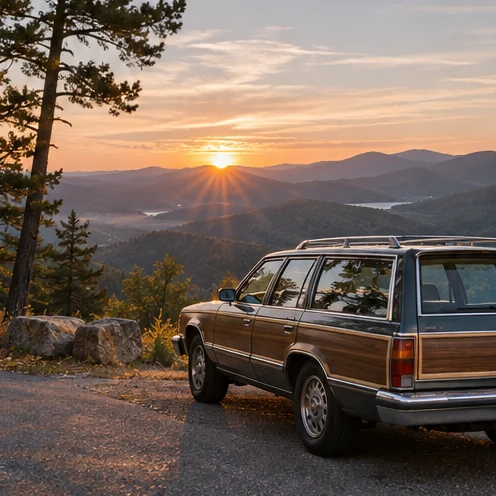
Build the route around the lowest-flexibility commitments first: a check-in deadline, a scheduled event, or an early entry window. Add a realistic rest or fuel stop to each long stretch before estimating when you’ll arrive. Keep one closer overnight option for a day that runs long.
A route-planning worksheet
| Block | Example | What to record |
|---|---|---|
| Start | Leave 8:30 a.m. | Address and time zone |
| First leg | 1 hr 45 min on the map | Road number and expected stop |
| Stop | 20 minutes | Restroom, fuel and food availability |
| Second leg | 2 hr 20 min on the map | One alternate stop or exit |
| Meal and check-in margin | 45 min plus 30 min | When the destination closes or check-in ends |
The example adds up to around 5 hours 40 minutes before congestion or a time-zone change. Check the posted time zone at each fixed appointment. On a multi-day drive, review the next morning’s route before going to sleep, then check current road information again at departure.
Choose stop locations deliberately
Mark a couple of candidate stops per long stretch. A pinned gas station may have restricted hours, and a scenic pullout may have no restroom. Confirm the features you need and look for a backup close to your route. If energy or fuel availability is unusually limited along a corridor, check the location and operating hours of your next stop before leaving the last reliable one.
Review official alerts before entering national parks or areas with seasonal road access. Download the drive corridor as well as the destination. Plan enough time to stretch, eat, change drivers if possible, and stop if you feel tired. NHTSA road trip planning guidance · US Forest Service trip preparation
Turn the plan into a backup you can carry
Put the main route, one verified alternate, key addresses, and a roadside assistance number on one sheet. Load the main route on your phone while parked. When traveling with a passenger, agree that they will handle all route changes while moving. Solo drivers should wait until they are safely parked. NHTSA distraction guidance
Keep a paper map or atlas in the car for orientation when your only phone is unavailable.
FAQ
Should I plan every stop or leave room for surprises? Save two useful stops for each long stretch, with optional sightseeing between fixed commitments. The second stop is a backup, not an obligation.
When should I shorten the day? Use the backup plan when actual arrival is slipping past a safe or realistic window, or when the driver is too tired to continue safely.